
QSYS Kiosk
Queue kiosk system for on-site ticket number issuing, counter routing and display workflows.
Touch-screen queue ticketing, queue manager software, counter calling and display support.BizCloud Queue Management System helps teams organise walk-in customers, QR queue requests, WhatsApp queue notifications, kiosk ticketing, queue display screens and counter service workflows under one practical QMS ecosystem.
From kiosk ticketing to cloud queue control and WhatsApp queue workflows, BizCloud Asia can recommend a practical queue management configuration based on your counter layout, branch flow and customer journey.
Queue kiosk system for on-site ticket number issuing, counter routing and display workflows.
Touch-screen queue ticketing, queue manager software, counter calling and display support.
Practical queue application setup for service counters, registration desks and waiting areas.
Suitable for organisations that need a managed counter queue process without heavy customisation.
Browser-based queue manager for teams that need queue number control from a web interface.
Support queue requests, queue number display, counter actions and daily queue records.
WhatsApp queue flow for customers who prefer mobile queue tickets and message updates.
Customers can scan QR, submit a request and receive queue-related updates through WhatsApp workflows.
Cloud queue setup for organisations that want easier access to queue activity and management screens.
Useful for branches, temporary counters, registration events and distributed service teams.
Dedicated queue ticket printing option for counters that still need physical queue slips.
Supports simple ticket issuing, counter calling and customer waiting area display workflows.Customers can scan a QR code, submit their queue request and receive queue-related updates through a WhatsApp-enabled workflow. This reduces crowding around the counter and gives customers a more familiar mobile experience.

Customers can scan QR codes or use WhatsApp workflows to join a queue without crowding around the counter.
Staff can control queue numbers, call customers, recall, skip, transfer and complete service from a browser.
Show current queue numbers on TV display screens, customer pages or waiting area displays.
Capture useful customer contact details during queue request workflows when configured.
Support permanent counters, temporary event registration, exhibitions, clinics and service centres.
Review queue activity, waiting time patterns and counter service performance for management follow-up.
The QMS workflow can support counter staff, management users and waiting area displays from one connected operating flow.
Call, recall, skip, transfer or complete queue numbers from the queue control panel.
Monitor current queue activity, active services and counter service flow from a central view.

Review useful queue activity records, waiting patterns and service performance indicators.
Display current queue numbers clearly on waiting area screens and customer-facing displays.
Let customers submit requests and check queue status from mobile-friendly pages.
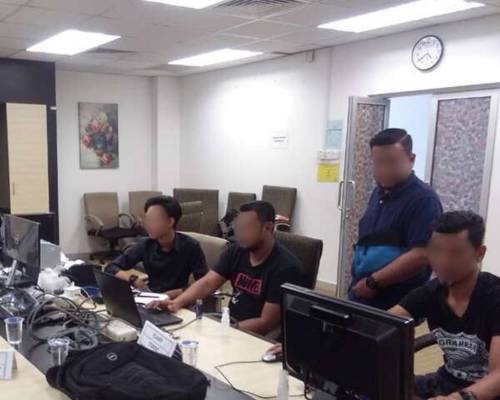
Plan counter flow, display placement and daily queue operations with BizCloud Asia.
Queue management is useful for healthcare, education, government counters, car service centres, telco service centres, retail services, roadshows and temporary event registration.
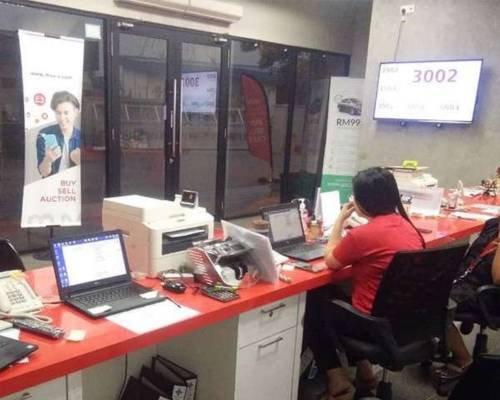
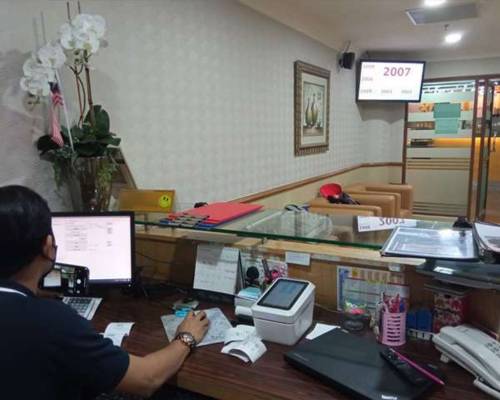
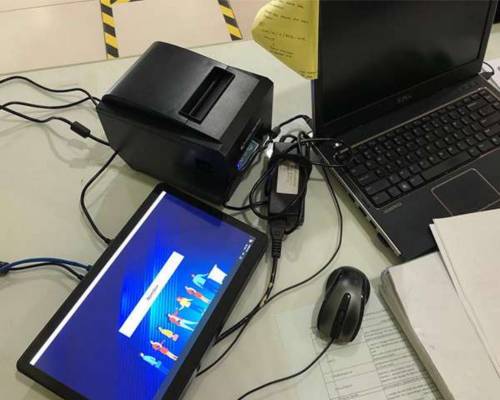
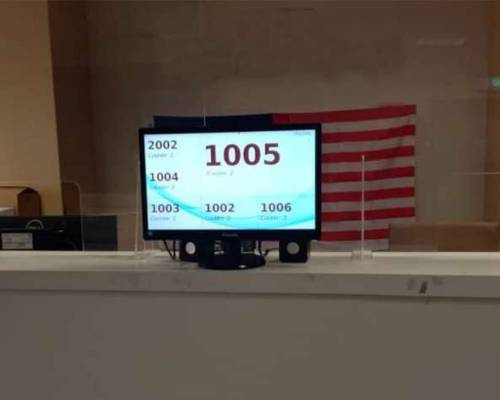
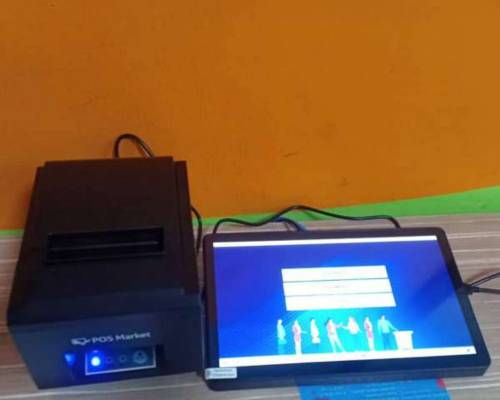
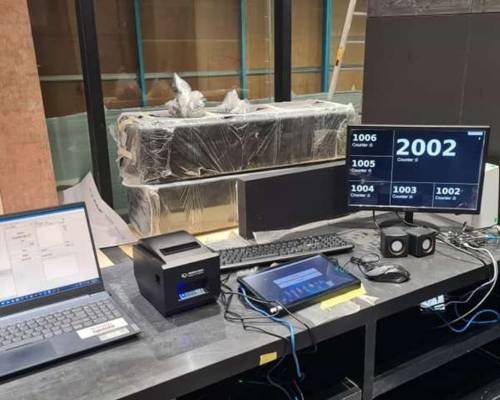
Review the related BizCloud queue pages to understand how customer request, queue calling, WhatsApp queue communication, event check-in, display and reporting workflows can be arranged.
Compare Cloud QMS and WhatsApp QMS under one shared queue management portal.
QR queue request, browser queue status, admin queue control and TV display without WhatsApp workflow.
QR event registration, OTP verification, entry QR, check-in and attendance tracking.
View QR scan, request form, queue number, live queue status and TV display flow.
Let customers join queues and receive queue-related updates through WhatsApp workflows.
See admin portal features such as queue control, dashboard, settings, reports and KPI analytics.
Share your number of counters, branches, display screens, WhatsApp needs and customer flow. Our team will recommend a suitable queue management setup for your operation.